


 SOC System Administrator
Access to NetEye and Elastic
The SOC ADS service monitors all authentication events in your company through the Elastic SIEM and enriches the events with a variable user.is_admin when it comes to login, logout, or failed login operations performed by system administrators.
How to access the service
Elastic has been integrated into NetEye Cloud and the IP of a customer has been allowed to connect.
To access and view the data contained therein, follow these instructions:
Connect to the cloud from the following address: NetEye Cloud
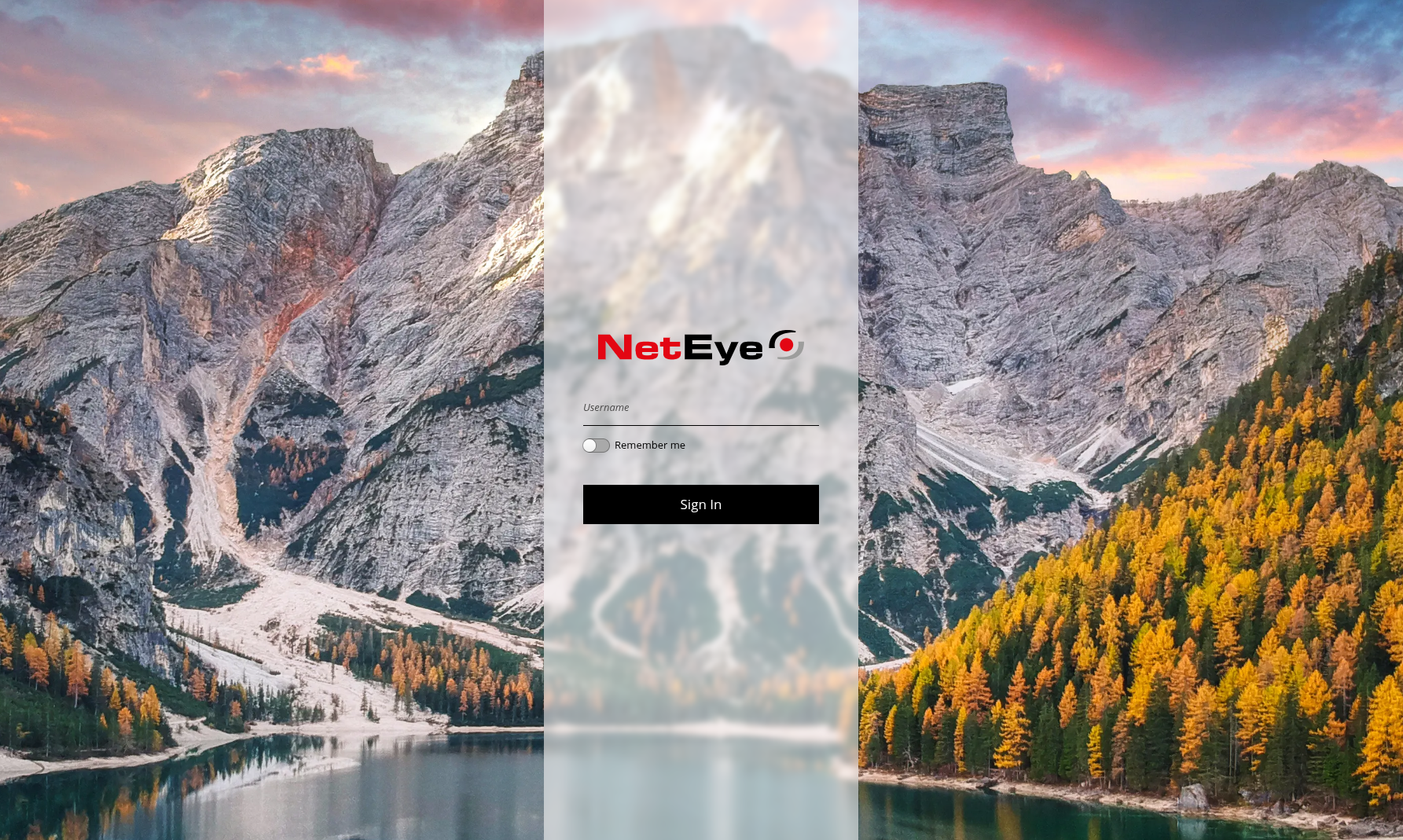
You will be faced with a login page similar to this (the background image changes depending on the NetEye version):
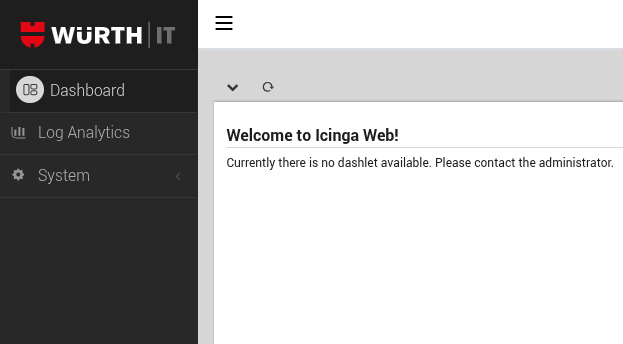
After logging in, Elastic will be accessible through the Log Analytics entry
Each time you log in, you will be presented with the following Elastic page, called Welcome Tenant Dashboard.
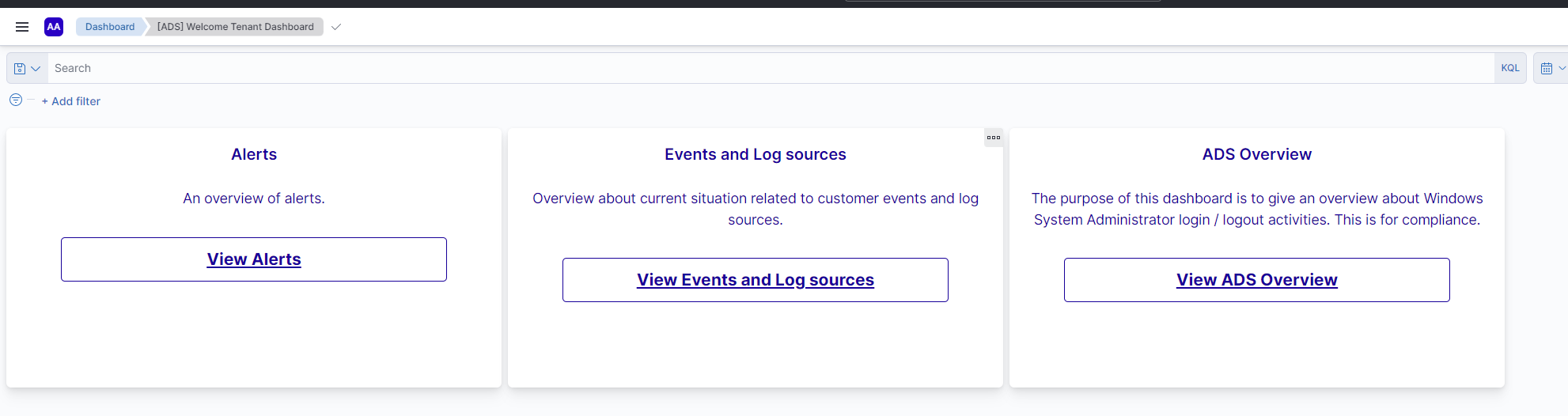
Fig. 212 Welcome Tenant Dashboard.
It contains three different links to as many dashboards created to facilitate the viewing of the logs.

